
WireGuard is the modern VPN protocol that, in just a few years, became the default across the whole field — from VPN providers to routers to cloud platforms. Its pitch is short: it's small, fast, and simple enough to audit in full. This guide explains how it works, why it's fast, how safe it really is, what its limits are, and how it differs from the OpenVPN many people know.
We write this as a team that runs WireGuard as one of the protocols in a real service — not just a summary of the spec.
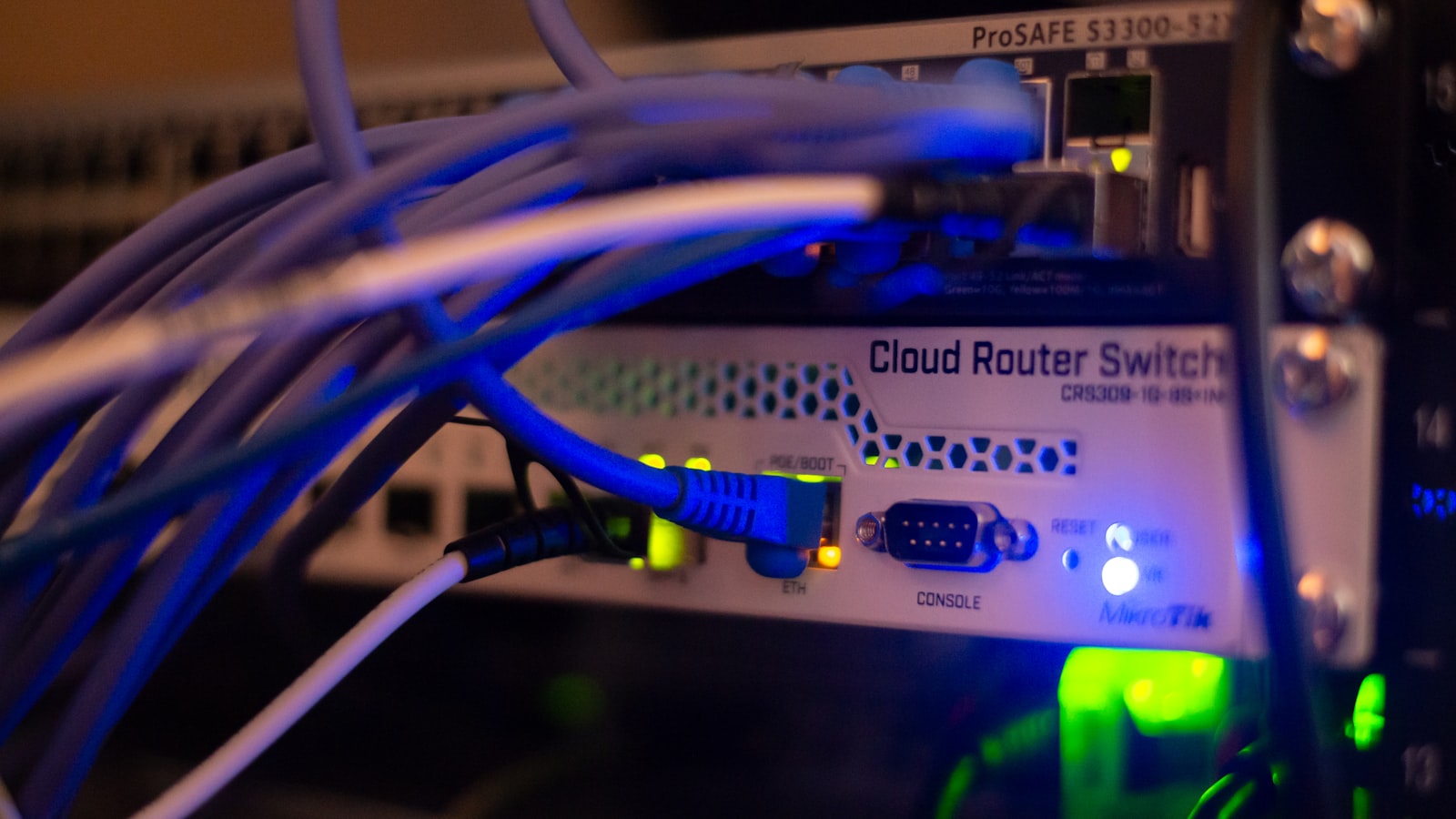
What is WireGuard?
WireGuard is a protocol for building an encrypted "tunnel" between two devices. It was written by Jason Donenfeld, first appeared around 2016, and has been merged into the Linux kernel since version 5.6 — a real vote of confidence, because the Linux kernel doesn't accept code lightly.
What sets it apart from the old guard is size. WireGuard's core is around four thousand lines of code, versus OpenVPN and IPsec at hundreds of thousands. Small code means fewer places for bugs to hide, and experts can actually read all of it, not just parts.
How WireGuard works
The heart of WireGuard is an idea called cryptokey routing — each side (peer) is identified by its public key, not a username and password. When a packet arrives, WireGuard looks at the key to decide which peer it belongs to and routes it accordingly. This makes setup remarkably simple: each side only needs the other's public key and endpoint address to connect.
Other key points:
- UDP only — WireGuard runs over UDP for speed and simplicity (remember this; it connects to a limitation below).
- Fixed cipher suite — it uses Curve25519, ChaCha20-Poly1305, and BLAKE2s, all modern, and there is no negotiation over which cipher to use, unlike older protocols that bargain first. No menu means no room for a "trick it into weaker encryption" (downgrade) attack.
- Short handshake — the initial handshake sets up a tunnel in just a few messages, so it connects fast and uses little.

Why WireGuard is fast
Speed comes from three things together. One, small code running in the kernel (on Linux), so traffic doesn't bounce between parts of the system the way it does for protocols that run outside the kernel. Two, low per-packet overhead, because it's designed to be lean. Three, a tight handshake that makes reconnecting quick.
A bonus that mobile users love is roaming across networks — WireGuard ties a connection to keys, not to an IP address, so when you switch from Wi-Fi to mobile data, the same tunnel "follows you" with almost no hiccup. That's a big reason modern protocols make VPNs on phones feel so much smoother than they used to.
Is WireGuard safe?
The protocol itself is considered safe and highly trusted. The reasons: it uses proven modern ciphers, the code is small enough to audit in full (with formal security review behind it), and having no cipher options to negotiate removes an entire family of vulnerabilities.
There's one privacy nuance worth understanding: by design, a WireGuard server remembers each peer's last IP address so it knows where to send return packets. For personal use this is nothing, and a VPN provider serving many users handles it with extra layers such as NAT pairing and key rotation — it isn't a weakness of the protocol. What matters more is what the provider keeps, so read its privacy policy for three things: what it records about each connection, how long it keeps that, and which law requires it. A provider that plainly says what it keeps and why is more credible than one promising to keep nothing.
WireGuard's limits that people rarely mention
WireGuard is great at fast and safe, but it was not designed to evade detection, and that's its most important limitation in practice:
- Easier to block than you'd think — because it's pure UDP, networks that block UDP or throttle it (some office, dorm, or heavily censored networks) can make WireGuard slow or unable to connect, and its traffic has a pattern that DPI systems can flag as a VPN.
- No built-in obfuscation — it doesn't try to disguise itself as ordinary traffic. On open networks that's fine, but on a network that deliberately blocks VPNs it's at a disadvantage.
The common answer is to not rely on WireGuard alone — pair it with protocols that work differently (for example ones that run over TCP and look like TLS) and switch based on the network. You get WireGuard's speed when the network is open, and other options when it isn't; none of them is a guarantee on networks that block VPNs.
WireGuard vs OpenVPN
| WireGuard | OpenVPN | |
|---|---|---|
| Code size | ~4,000 lines | hundreds of thousands |
| Speed | faster, low overhead | slower |
| Network switching | seamless (tied to keys) | must reconnect |
| Transport | UDP only | UDP or TCP (can run on TCP 443) |
| Maturity | newer but stable | older, broadly supported |
The practical takeaway: WireGuard is the first choice on a normal network because it's clearly faster and smoother, while protocols that can run over TCP 443 have a place on networks that block UDP.
How to use WireGuard
Two ways. First, the official WireGuard app (available on every platform), where you import a config file from a provider or your own server — good for people who want to run it themselves. Second, a VPN app with WireGuard built in, which manages the keys, servers, and protocol switching for you, so you never touch a config file.
TUKTUKVPN runs WireGuard as one of its main protocols and reaches for it automatically when a network allows it — for top speed — and the app switches to another protocol automatically when WireGuard doesn't connect, for example on a network that blocks UDP. We make no claim about networks that block VPNs. Give it a try; your first purchase is covered by a 30-day money-back guarantee.